Moto X3M controls
| Action | Keyboard / mouse | Mobile |
|---|---|---|
| Accelerate | Up arrow or W | On-screen accelerate button |
| Brake / reverse | Down arrow or S | On-screen brake button |
| Lean back / forward | Left and right arrows, or A and D | On-screen tilt buttons |
What is Moto X3M?
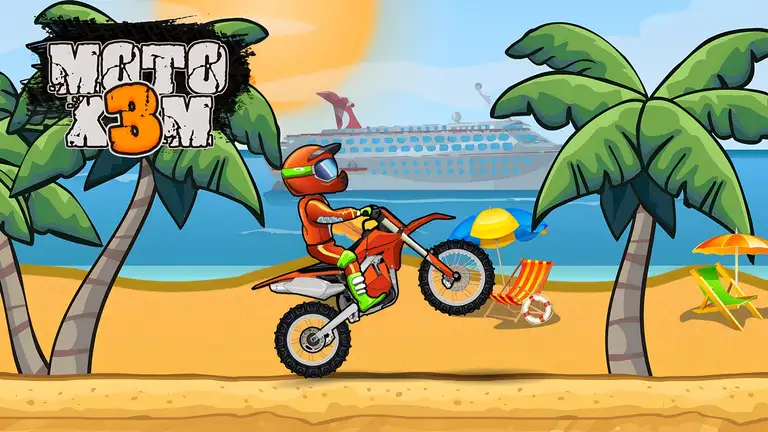
Moto X3M, by the developer MadPuffers, is one of the best-known motorbike games on the web, and it has earned its reputation. Each level is a short, wild obstacle course full of ramps, loops, spinning saws, collapsing platforms and explosive barrels. Your job is to get from the start to the finish as fast as you can without crashing. The faster your time, the more stars you earn, and flips in mid-air knock seconds off the clock.
It is all about balance. Your rider leans forward and back, and the angle you land at decides whether you speed away or end up in a heap.
How to play
Press up (or W) to accelerate and down (or S) to brake or reverse. Use left and right (or A and D) to lean back and forward, both on the ground and in the air. Leaning in the air spins the bike into flips. On a phone, use the on-screen buttons.
Tips for faster times
- Land on both wheels. Match the angle of the ground before you touch down. A clean landing keeps all your speed.
- Flip only when there is room. A flip saves time, but only if you have enough height to finish it.
- Don't always go full throttle. Some obstacles need you to wait for a moment, or to slow down before a drop.
- Use checkpoints. If you crash, you restart from the last checkpoint, so you can practise tricky sections.
- Replay for stars. Once you know a level, go back and chase the three-star time.
Why it is a classic
Moto X3M has the perfect "one more try" loop. Levels are short, crashes are instant and funny, and every attempt teaches you something about the course.
Similar games
For more two-wheel action, try Motorcycle Racer: Road Mayhem. For downhill chaos, try Ragdoll Racing. Browse all our racing games.
What we found when we tested it
After a single advert the classic menu appeared, and the Play button led to the level map. It plays best with the arrow keys, but the developer also includes touch controls.