



Two players, one keyboard
Local multiplayer is one of the oldest joys in gaming: two people, one screen, plenty of shouting. Browser games keep the tradition alive by splitting the keyboard. The left-hand player usually takes W, A, S and D, with keys such as Space, B or Q for actions, while the right-hand player uses the arrow keys with keys such as L or K. Some games simplify things to one key per player, which is perfect for younger players.
Types of 2 player game
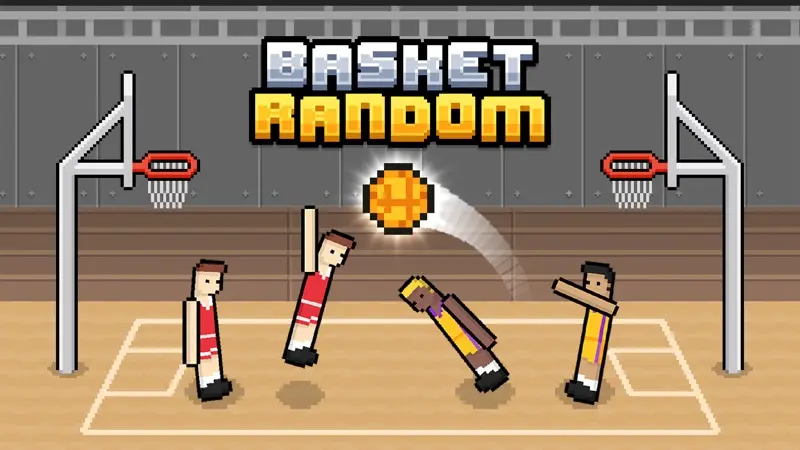
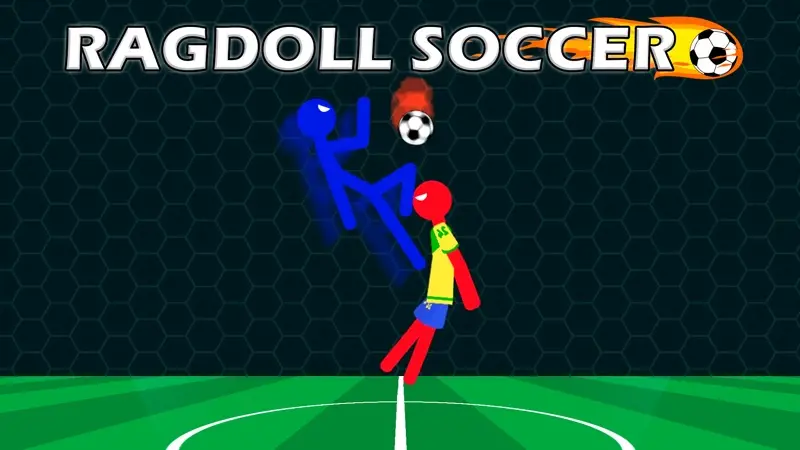
Sports duels such as basketball and ragdoll football are fast and silly, with short matches that suit a quick rematch. Racing duels put both players on the same track or split the screen. Obby and escape duels turn an obstacle course into a race, where the first player to the exit wins. Board games are turn-based, so you simply pass the mouse or the tablet between turns.
Tips for a fair match
- Sit side by side. Both players need to see the whole screen; a laptop on a table works better than one on someone's lap.
- Swap sides between rounds. Some games give a small advantage to one side of the screen.
- Agree a first-to score. Many games end at a set score, but a best-of-five keeps it interesting.
- Use full screen. It stops the page from scrolling when someone presses Space or an arrow key.
Why play 2 player games online?
Playing 2 player games online in the browser means no consoles, no extra controllers and nothing to install. Open a game, decide who takes which keys and start a match in seconds. It is ideal for siblings sharing a laptop, a parent and child, or two friends at a sleepover.
Where the games come from
Games on this page come from every category on the site, from sports games to racing games and card and board games. A game appears here automatically when we have confirmed its two-player mode in testing.